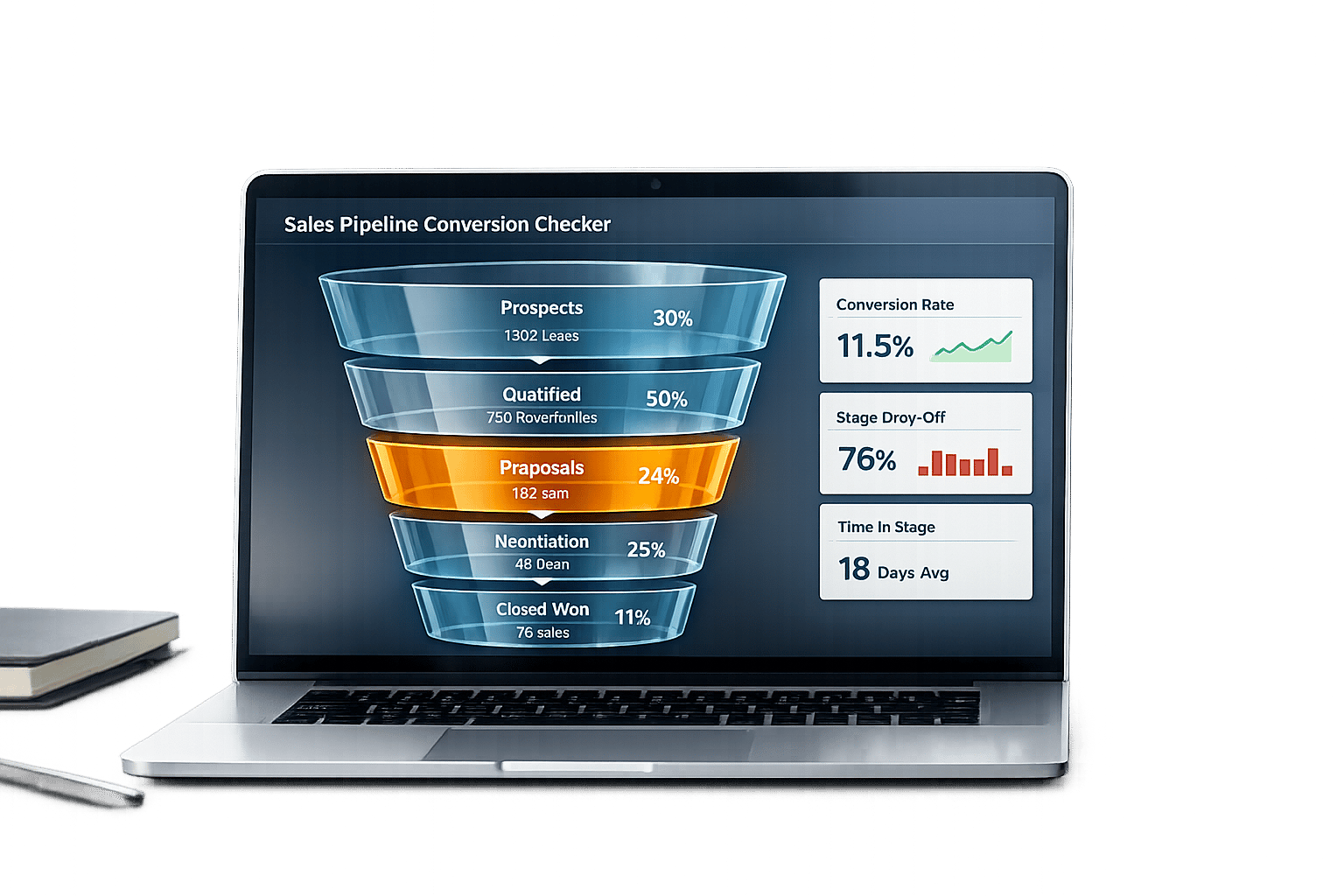
Unlock Your Sales Potential with a Pipeline Conversion Checker
If you’re running a sales team, you know how frustrating it can be when deals drop off at certain stages. That’s where a tool to analyze your sales funnel performance comes in handy. It’s not just about crunching numbers—it’s about understanding where your process needs a little TLC.
Why Conversion Rates Matter
Every stage of your pipeline, from generating leads to closing deals, tells a story. Maybe you’re great at getting prospects interested but struggle to turn proposals into wins. A good analysis tool breaks down those conversion percentages, shining a light on weak links. It’s like having a coach who points out exactly where to focus your energy.
Beyond the Numbers
What sets a solid funnel evaluation apart is actionable feedback. Imagine seeing a red flag on a stage with a low conversion rate, paired with a tip like revisiting your pricing or follow-up cadence. Plus, tracking trends over time helps you see if your changes are paying off. For sales teams aiming to grow, this kind of insight is pure gold. Don’t let guesswork slow you down—dive into your data and start optimizing today.
FAQs
How does this tool identify bottlenecks in my sales pipeline?
Our tool calculates the conversion rate between each stage of your funnel—like from leads to qualified leads or proposals to closed deals. If any of the three stage-to-stage rates is below 10%, it gets flagged as a bottleneck. The overall leads-to-closed rate is shown but never flagged. You’ll also see a quick tip, like suggesting a follow-up strategy if leads aren’t qualifying, to help you address the issue right away.
Can I use this tool for different types of sales funnels?
Yes, as long as your funnel can be described with four counts: leads generated, qualified leads, proposals sent, and deals closed. Enter the whole numbers for each step (not percentages), and it’ll work out the conversion rate between each pair of steps and highlight any that fall below 10%. The stages are fixed, so if your funnel has extra steps, combine them into these four. It works for B2B, B2C, or even service-based pipelines.
Why should I track historical data with this tool?
Looking at past performance is key to spotting patterns in your sales process. By adding data from up to 3 previous periods, you can see if a low conversion rate is a one-off or a recurring issue. It’s a great way to measure if your tweaks—like a new pitch or pricing—are actually moving the needle over time.