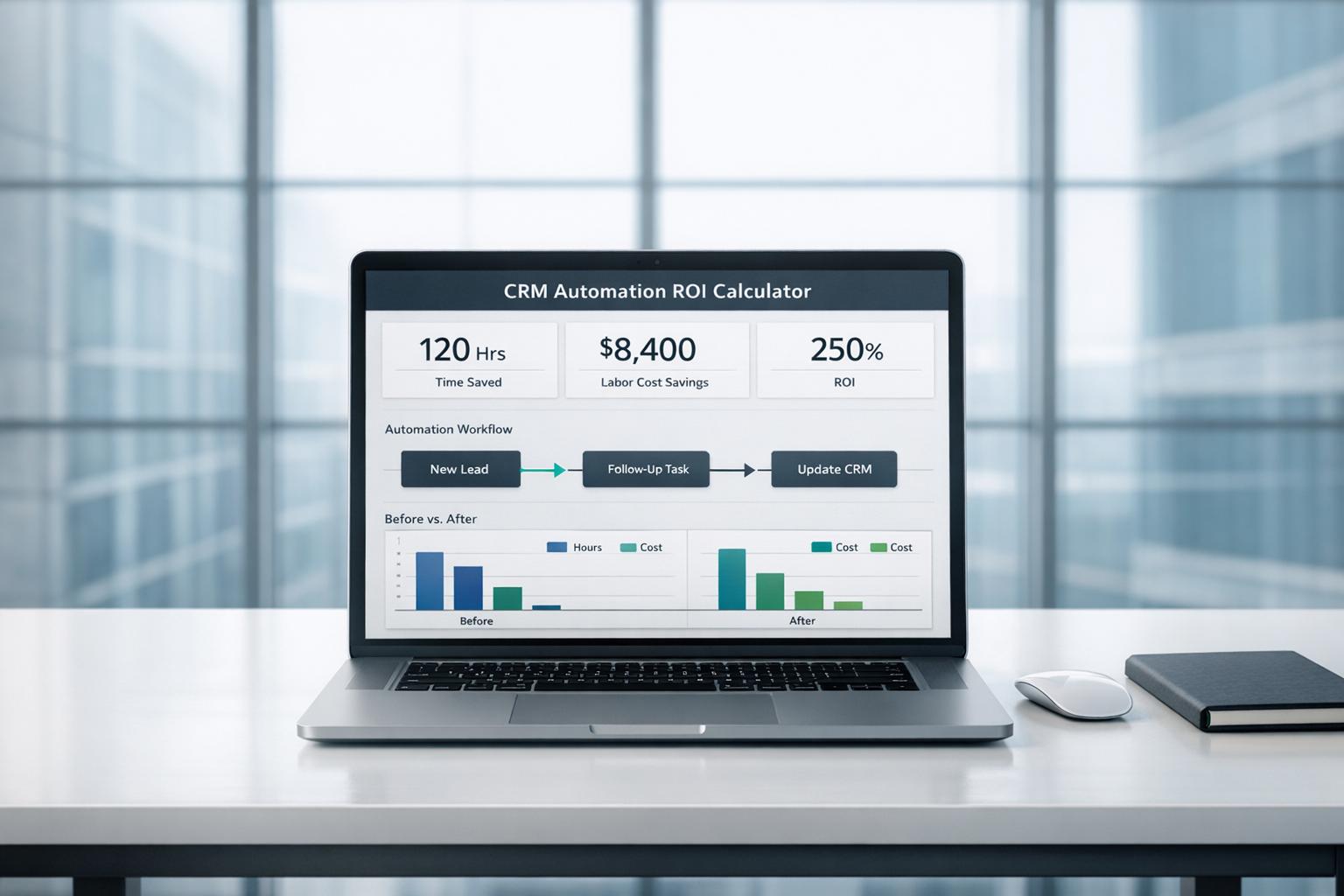
CRM Automation ROI Calculator
Estimate the value of automation before you invest
A CRM Automation ROI Calculator helps businesses understand whether automating repetitive customer management work is worth the cost. Tasks like data entry, lead updates, reminders, and follow-up logging often consume more staff time than teams realize. When you translate those hours into annual labor expense, the financial impact becomes much easier to see.
Turn manual effort into measurable savings
This tool lets you compare your current workflow costs against projected automation expenses using simple inputs. By estimating weekly manual hours, labor rates, and expected time savings, you can quickly see potential annual savings and net return. That makes it easier to evaluate CRM software, justify a budget request, or compare different automation options.
A smarter way to plan CRM improvements
A reliable CRM Automation ROI Calculator is useful for sales teams, operations managers, and business owners who want clearer numbers before making a change. Instead of guessing, you get a practical estimate of labor reduction and return potential. It’s a fast way to assess whether CRM workflow automation could improve efficiency, lower overhead, and create meaningful business value over time.
FAQs
How does this CRM Automation ROI Calculator work?
The calculator estimates what your business currently spends each year on manual CRM work by multiplying weekly hours, labor cost, and 52 weeks. It then applies your expected time savings percentage to show how much of that cost could be reduced through automation. After subtracting the automation expense, it calculates net savings and ROI percentage so you can judge the potential financial impact more clearly.
What if I’m not sure how much time automation will save?
That’s common, especially if you’re still evaluating tools. A practical starting point is 50%, which is why it works well as a default estimate. You can also run a few scenarios, such as 25%, 50%, and 70%, to see how sensitive the return is under different assumptions. That gives you a more realistic range instead of relying on a single number.
Are the results accurate enough to use for budgeting?
They’re best used as directional estimates rather than precise forecasts. Real-world results depend on how well the CRM automation platform fits your processes, how consistently your team uses it, and whether setup or training affects adoption. The calculator is most useful for early-stage planning, vendor comparisons, and building a simple business case before making a purchase decision.